A launch worth watching
Create short portrait videos and covers for product and campaign artwork.
Turn your artwork into a tilting holographic card, a two-image reveal or a coherent collection. Explore the effect, then make it your own.
Built-in examples · No upload required
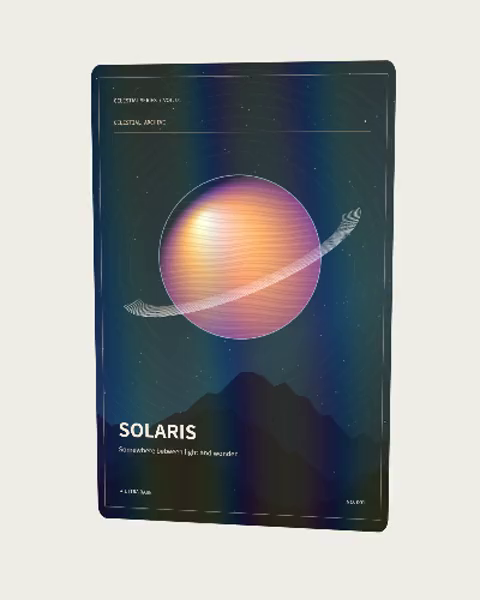
Light, depth and a layered illustration.
Original example artwork. Explore a style, then bring your own images.
Light, depth and a layered illustration.
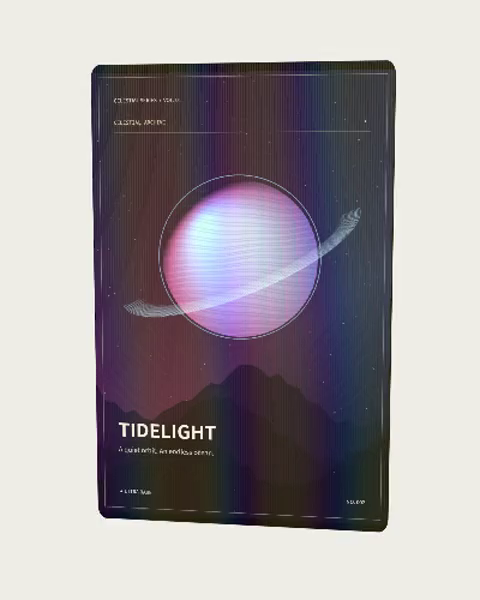
Two images reveal themselves as the angle changes.
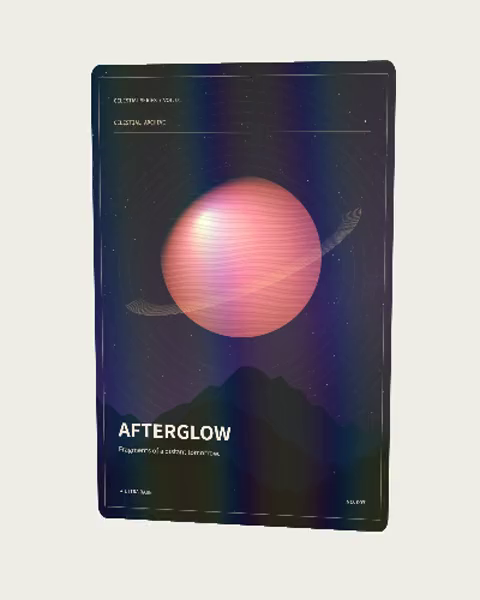
Keep the original image, add a shared layout.
Create short portrait videos and covers for product and campaign artwork.
Bring portraits, names and messages into a class, event or keepsake collection.
Explore card prototypes and prepare clearly specified files for a print handoff.
Start with a complete image or prepared layers. Keep the original artwork.
Choose light, text and layout. Inspect a representative sample.
Download images, video, interactive HTML or an editable versioned package.
A video with a fixed motion and a still cover.
A self-contained browser artwork, with a static fallback.
Editable projects and a series backup, separate from viewing files.
Supplier-specific fronts, backs and quantity records; physical proof remains separate.
Keep a consistent style, review samples, and continue a series without starting over.
Open workspaceNo. You can explore and download the built-in examples here. Account and upload requirements depend on the workspace feature you choose.
Yes. Bring images you own or have permission to use. Review important text, faces and brand details before delivering.
PNG and video capture a fixed result. Interactive HTML responds to controls in a browser. Choose the format for its destination.
Yes. Stable identities and versioned inputs let you revise affected outputs while keeping previous deliveries.
No. Print requirements, file acceptance and physical proofs must be confirmed with the chosen supplier.